chalkline

Public teaching whiteboard

Raspberry Pi models, price & common uses

Which Raspberry Pi to buy and what people build — free public tutorial whiteboard. · by zlu

Topics: Raspberry Pi tutorials

Raspberry Pi models, price & common uses

Session 0 · Intro to Raspberry Pi

What it is, which model to buy, what people use it for, and how the family fits together.

What is a Raspberry Pi?

A small computer on a single board. Most “Pi” boards run Linux (Raspberry Pi OS) — like a mini desktop without a screen. Exception: Pico boards are microcontrollers — great for electronics, but they don’t run full Linux/desktop apps.

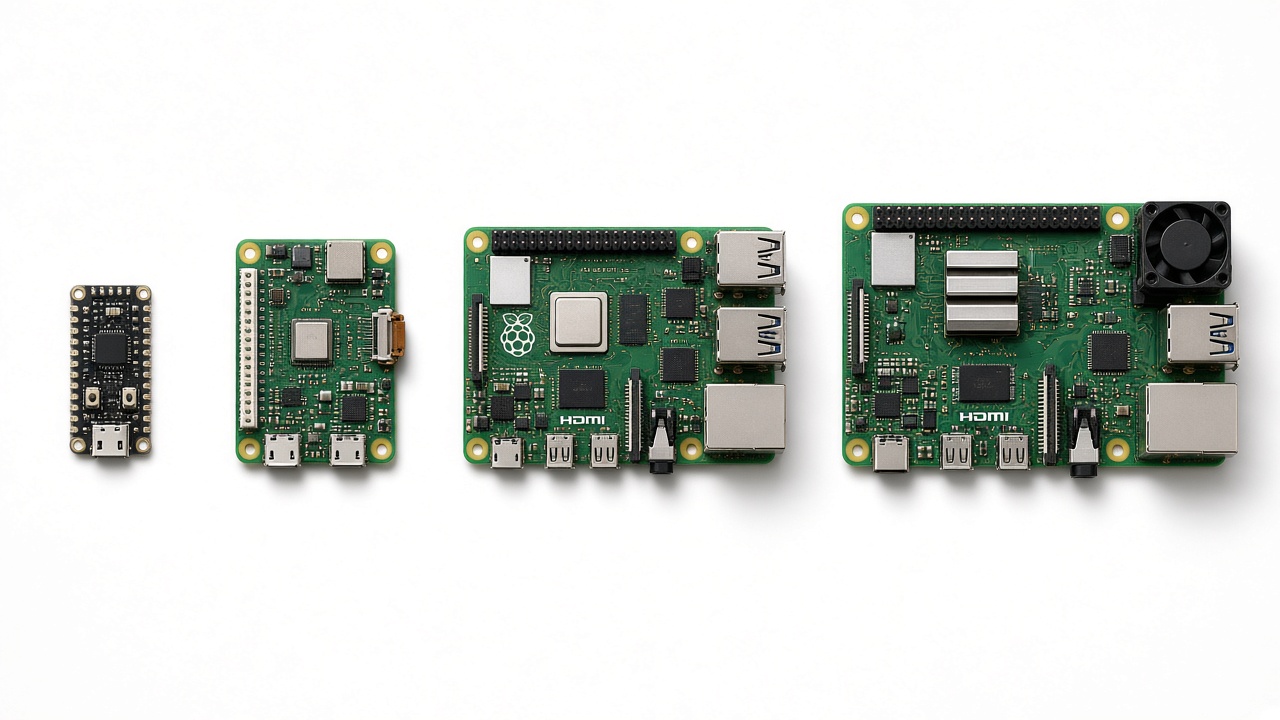
Product snapshots

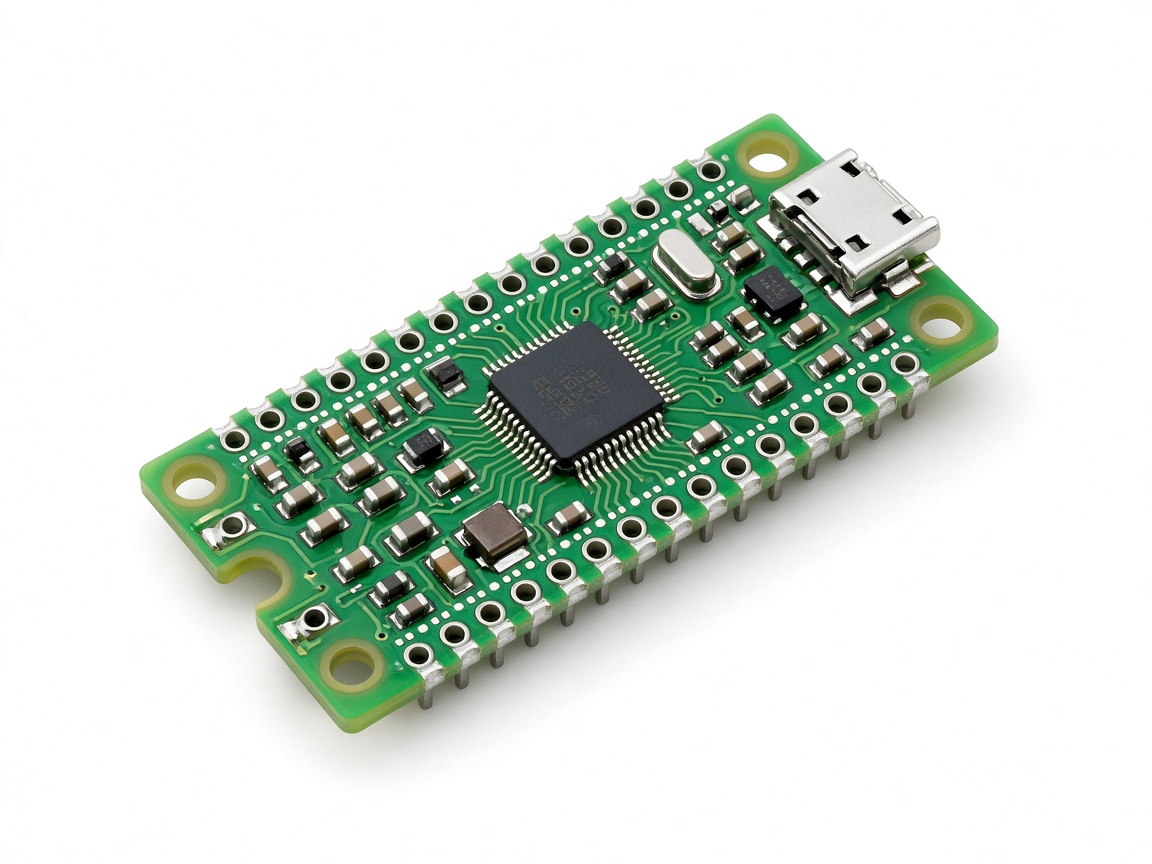
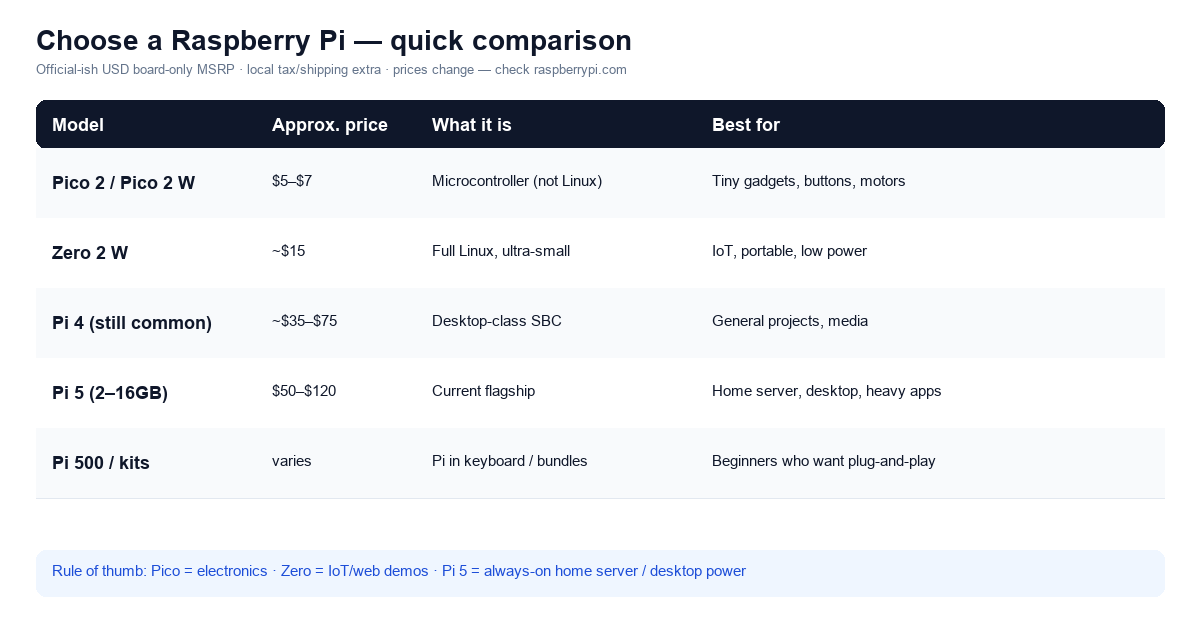
Pico 2 ~$5–7

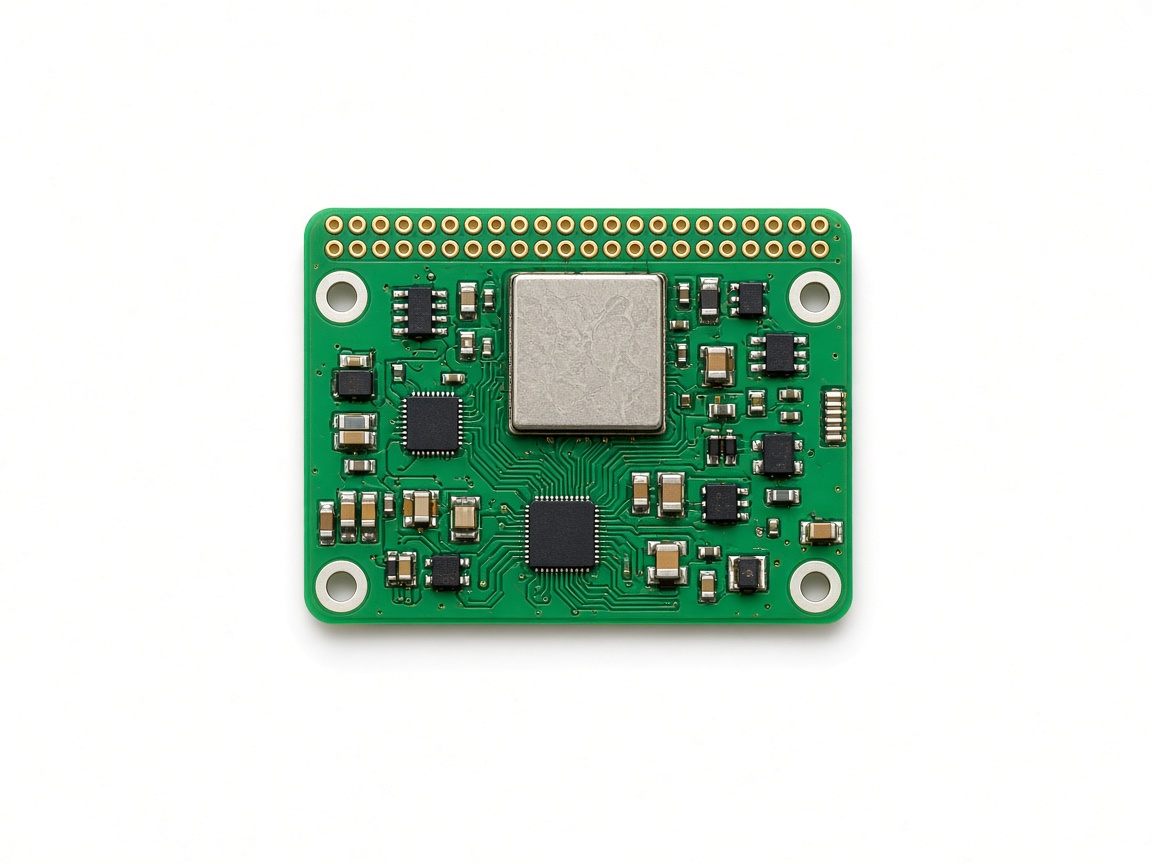
Zero 2 W ~$15

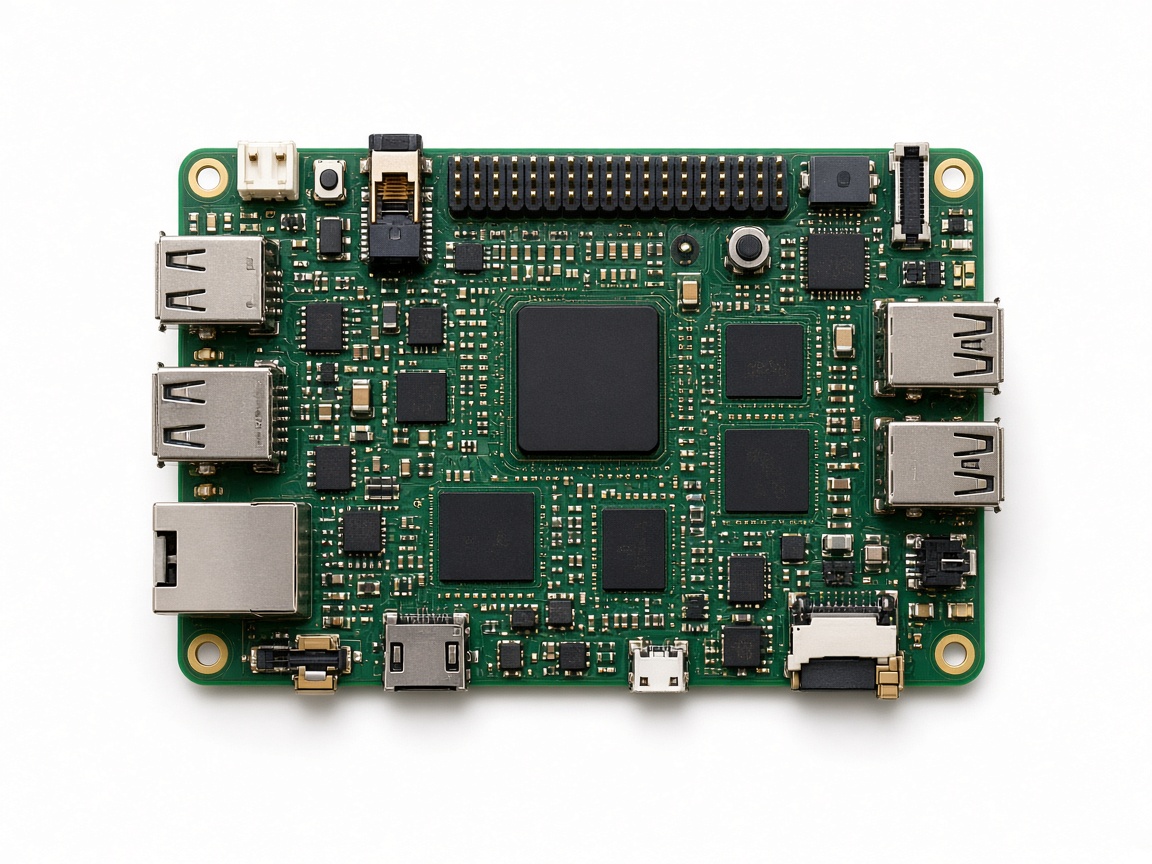
Pi 5 ~$50–120

Common uses

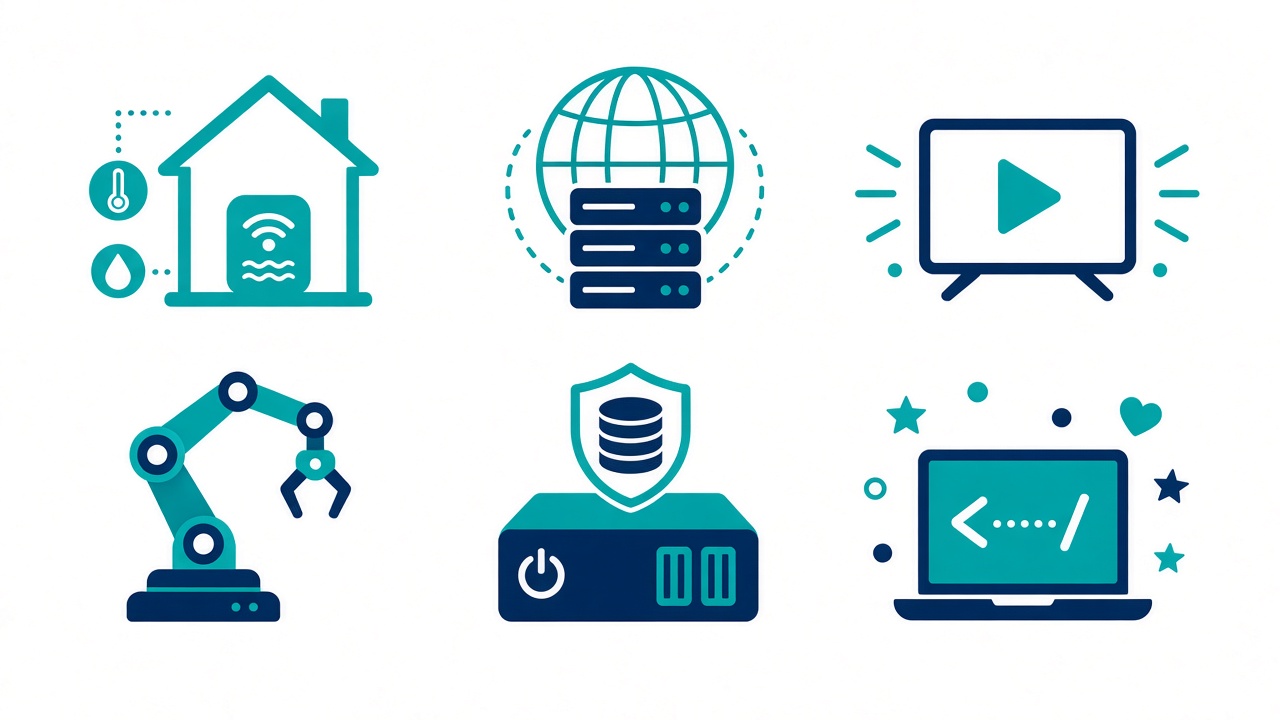
IoT · web demos · media · robots · NAS · learning to code

How to choose (simple)

Want to blink LEDs / learn electronics? → Pico 2 (or Pico 2 W for WiFi) Want a tiny always-on IoT / web demo board? → Zero 2 W Want a home server, desktop, or Docker apps? → Pi 5 (start 4GB or 8GB) Buying tip • Budget for: PSU, SD/SSD, case, cooler (Pi 5) • Official power supply avoids flaky boots • Ethernet > WiFi for servers Next → Session 01: flash an OS & SSH in.

web server IoT architecture (layer client-server) massive client messaging queue python programming pi, microcontroller

Drag to pan · scroll to zoom · read-only

Board contents

Text extracted from this public whiteboard for search and accessibility.

Raspberry Pi models, price & common uses

Session 0 · Intro to Raspberry Pi

What it is, which model to buy, what people use it for, and how the family fits together.

What is a Raspberry Pi?

A small computer on a single board. Most “Pi” boards run Linux (Raspberry Pi OS) — like a mini desktop without a screen. Exception: Pico boards are microcontrollers — great for electronics, but they don’t run full Linux/desktop apps.

Product snapshots

Pico 2 ~$5–7

Zero 2 W ~$15

Pi 5 ~$50–120

Common uses

IoT · web demos · media · robots · NAS · learning to code

How to choose (simple)

Want to blink LEDs / learn electronics? → Pico 2 (or Pico 2 W for WiFi) Want a tiny always-on IoT / web demo board? → Zero 2 W Want a home server, desktop, or Docker apps? → Pi 5 (start 4GB or 8GB) Buying tip • Budget for: PSU, SD/SSD, case, cooler (Pi 5) • Official power supply avoids flaky boots • Ethernet > WiFi for servers Next → Session 01: flash an OS & SSH in.

web server IoT architecture (layer client-server) massive client messaging queue python programming pi, microcontroller